

Pet automatic feeder solutions are transforming daily pet care by automating meal times, improving nutrition routines, and freeing up valuable time for owners. This guide provides a no-nonsense breakdown of how modern smart pet automatic feeders work, the exact steps to set them up effectively, and pitfalls to avoid based on what credible sources reveal.
Key Takeaways
- Smart pet automatic feeders save time, enable precise meal scheduling, and help prevent overfeeding or missed meals.
- Setup usually requires app installation, WiFi pairing, portion adjustment, and regular maintenance for freshness and function.
- WiFi issues, jammed kibble, and lack of reliable consumer data are real concerns—choose wisely according to verified features.
- What Is a Pet Automatic Feeder and Why Use One?
- How to Set Up and Use a Pet Automatic Feeder: A Complete Walkthrough
- Advanced Analysis & Common Pitfalls
- Conclusion
- Frequently Asked Questions
What Is a Pet Automatic Feeder and Why Use One?
A pet automatic feeder is a device designed to dispense measured amounts of pet food on a schedule you set. Today’s smart feeders connect to WiFi, pair with smartphone apps, and offer features like custom feeding times, precise portion control, food freshness guards (like desiccant bags), and even app-powered monitoring.
These solutions have gained momentum because they address major pet care pain points. They ensure that pets are fed even when you’re late, traveling, or following a tight routine. This is critical for pets that need strictly timed meals to avoid obesity or anxiety, particularly cats and dogs living indoors.
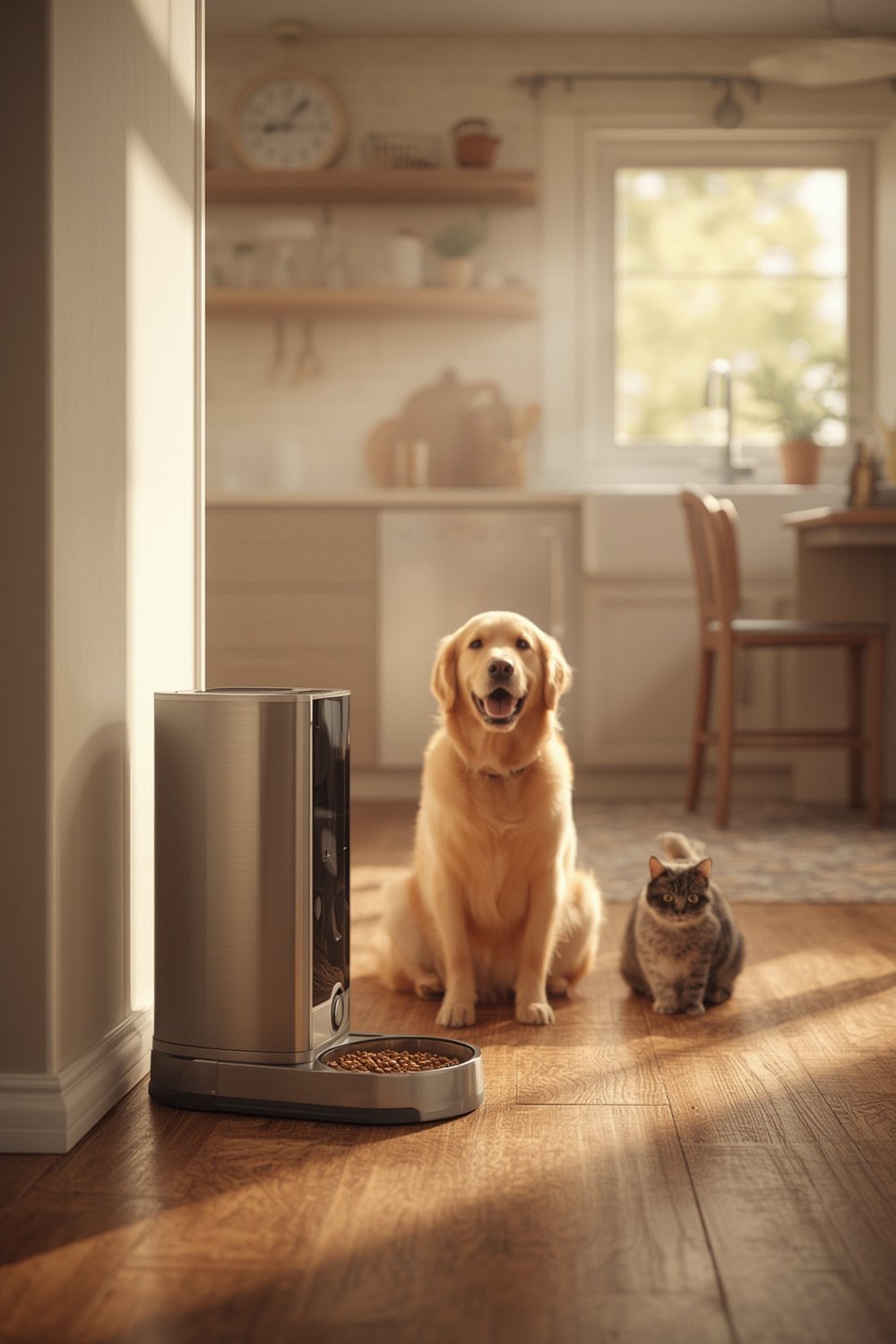
Leading brands like PETLIBRO, PetSafe, and PETKIT now offer WiFi-enabled models for both cats and dogs. Many support multiple meals per day (up to 20 with some models), adjust serving portions from as little as 1/8 cup up to 4 cups, and notify you the moment food runs low[source].
Beyond convenience, automatic feeders can reduce food waste and help manage pet weight. They are especially useful for homes where routines change or multiple caretakers alternate feeding responsibilities.
Curious about broader ways to simplify home routines? Check out our guide to practical home organization and storage solutions, designed to bring clarity to everyday chaos.
How to Set Up and Use a Pet Automatic Feeder: A Complete Walkthrough
Getting the most out of your pet automatic feeder isn’t just plug-and-play. Here’s how to make smart feeders work safely and reliably for your pet.
- Unpack and Assemble: Rinse all food-contact parts with mild soap, dry thoroughly, and follow instructions to connect the hopper, bowl, and any moving parts.
- Connect to Power and WiFi: Most feeders operate via a wall plug. For WiFi, use either single or dual-band (check your router) per product spec. Dual-band models (2.4/5GHz) minimize router headaches[source].
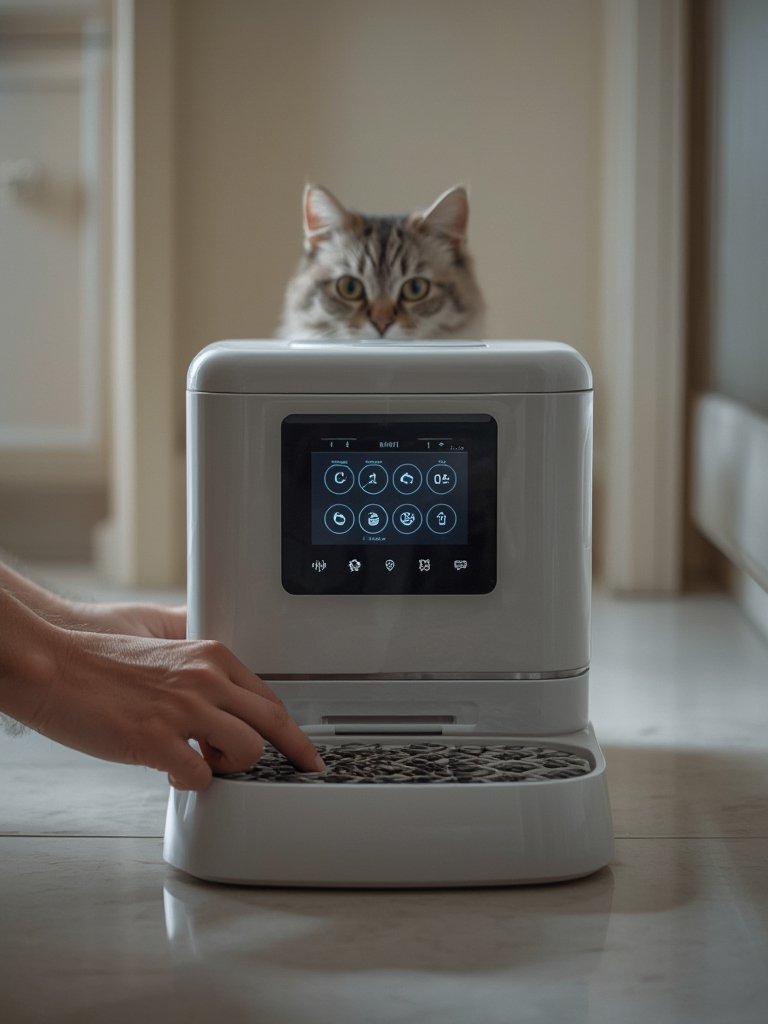
- Install and Pair App: Download the manufacturer’s app (e.g., My PetSafe App or Smart Life), then follow prompts to pair device via Bluetooth or QR scan. Enable location permissions if prompted for app functionality.
- Set Feeding Schedule: Choose times and portion sizes. Many feeders allow up to 10-20 scheduled meals daily. Don’t forget the slow feed mode for fast eaters[source]. Test with a dry run—listen and watch to ensure smooth portions are dispensed.
- Enable Notifications: Allow push alerts for low food, feeding confirmation, and jam detection. Some feeders let multiple users access the same device, so all household members stay updated.
- Maintain Cleanliness & Freshness: Replace desiccant bags at least every two weeks[source]. Wipe hopper and bowl regularly to avoid mold or staleness. Clean sensors as needed for accurate alerts.
Want a broader rundown on must-have pet care essentials for comfort, health, and routines? Our in-depth guide covers daily dog and cat solutions to streamline your life.
If you’re looking for ways to keep the whole house in sync, our curated tips on smart home solutions and practical home upgrades make daily living smoother for everyone—including your pets.
Advanced Analysis & Common Pitfalls
Even top-rated pet automatic feeders aren’t perfect. Here’s what the research and user experiences reveal about their downsides, plus a feature comparison to help you choose wisely.
| Feature | PETLIBRO Air | PetSafe Smart Feed | PETKIT Fresh Element |
|---|---|---|---|
| Max Meals/Day | 10 | 12 | 20 |
| Portion Range | 1/8 cup+ | 1/8–4 cups | Variable |
| WiFi Band | Dual (2.4/5GHz) | 2.4GHz | Dual |
| App Notifications | ✓ | ✓ | ✓ |
| Jam Sensors | – | ✓ | ✓ |
| Amazon Replenishment | – | ✓ | – |
| Offline Function | Dispenses, no logs | Dispenses, no logs | Dispenses, no logs |
| Desiccant Bag | ✓ | – | ✓ |
| Best Use Case | Budget, easy setup | Large pets, integration | Complex scheduling |
Common Pitfalls and Problems
- WiFi Woes: Connection drop-outs are still common, especially with single-band models or if your router changes networks. When WiFi is down, the feeder continues its set schedule but you’ll lose app alerts and logs[source].
- Food Jams: If wrong kibble size or oily food is used, sensors may not always prevent jams. This means a hungry pet and spoiled automatic schedules. Only use approved kibble sizes (often 2–15mm).
- Freshness Control: Not all feeders include desiccant pouches or air-sealed hoppers. Stale food can prompt pets to reject meals or attract pests. Check for models with these features or buy add-on moisture absorbers.
- No Independent Testing Data: There is a lack of third-party reliability statistics or standardized portion accuracy reviews as of 2024. Choose well-reviewed, well-supported brands for best results.
- Missing Security Discussions: Based on current research, app privacy or data encryption policies are not well documented in manufacturer descriptions—review app permissions and privacy terms before connecting.
- Subscription & Extra Costs: While some feeders offer Amazon Dash Replenishment[source] to auto-order food, check if these are opt-in or mandatory, and understand any extra fees.
- Notifications May Go Unread: If you ignore app alerts long enough, low-food warnings become useless—set up notifications for all caretakers to get reminders.
For maintenance tips outside the kitchen—such as caring for modern furniture, pet beds, or garden essentials—browse our practical articles on modern furniture care for home comfort and lawn and garden essentials for manageable outdoor living.

Conclusion
Pet automatic feeders are practical for busy pet owners, reduce feeding anxieties, and enable smart home integration. But technical hiccups, food compatibility, and a lack of transparent testing are real drawbacks. Always match the device’s specs to your routine and pet’s eating habits, and check for features that truly matter—like portion controls, app alerts, and jam prevention.
If you’re ready to take meal routines off your worry list, explore a pet automatic feeder from a brand that’s verified for your connectivity and food needs. Smart feeding starts with smart choices—shop with a critical eye!
Frequently Asked Questions
Will a pet automatic feeder work if my WiFi goes out?
Yes. Most smart feeders will keep dispensing food at your preset times even if WiFi disconnects. However, you will not receive app alerts or logs during the outage.
Can I use wet food in a pet automatic feeder?
Most automatic feeders are designed only for dry food. Using wet or semi-moist food often causes jams, mold, or mechanical issues. Always check manufacturer recommendations.
Are there hidden costs or subscriptions required?
The majority of feeders work without subscriptions. Some offer optional services, like Amazon Dash Replenishment, that auto-order food—but these are opt-in and not required. Double-check product details before buying.
How do I know if my food will work in the feeder?
Check your feeder’s kibble size requirements—most range from 2mm to 15mm. Using oversized, sticky, or oily food can cause jams or damage the machine.
Is my pet’s information or my WiFi secure with a smart feeder?
Manufacturers do not detail privacy safeguards or encryption in most feeder descriptions. Always review the app’s privacy policy, restrict unnecessary permissions, and update firmware regularly.