
Pet monitoring camera systems have transformed how pet owners care for their animals, offering peace of mind and real-time visibility whether you’re at work or on the go. But choosing and using one isn’t always straightforward.
Key Takeaways
- The global pet monitoring camera market is growing rapidly with smart, AI-powered features now standard in leading models.
- Connectivity issues and mechanical problems with treat dispensers are common complaints among owners—knowing the pitfalls helps avoid frustration.
- Integration with other smart pet devices, like automatic feeders or interactive toys, can further streamline your pet’s care.
- What Is a Pet Monitoring Camera and Why Use One?
- How to Select and Set Up a Pet Monitoring Camera: Step-by-Step
- Advanced Analysis & Common Pitfalls
- Conclusion
- FAQ
What Is a Pet Monitoring Camera and Why Use One?
A pet monitoring camera is a dedicated device that lets you observe, communicate with, and sometimes interact with your pets remotely via an app on your phone or tablet. Unlike basic security cameras, pet cameras often come equipped with two-way audio, treat dispensing, motion alerts, and AI features designed to distinguish between pets and humans.
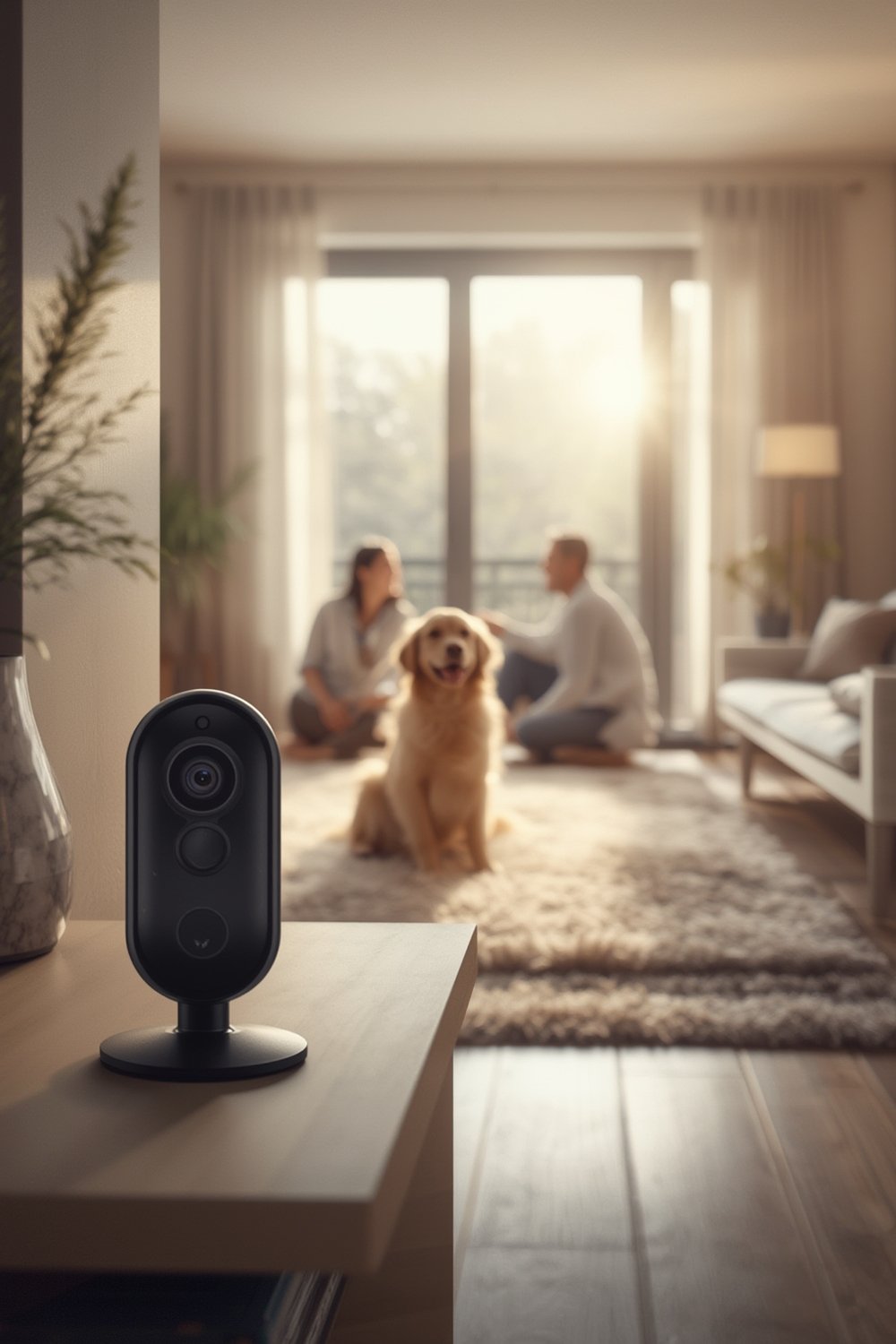
With the pet monitoring camera market projected to reach $2.47 billion by 2030 and a double-digit growth rate, it’s clear that more people want stronger connections with their pets through technology (source). Camera systems now often use AI for behavior detection and even facial recognition, sending you alerts if your dog barks too much or seems anxious (industry report).
Many owners use an interactive camera alongside automatic feeders or interactive pet toys for a fully connected smart pet home. If you’re also enhancing your home workspace or managing pet routines remotely, features like remote feeding and smart bird feeders may interest you as well.
How to Select and Set Up a Pet Monitoring Camera: Step-by-Step
Choosing a pet monitoring camera that suits your needs involves more than picking the one with the best-looking app. Here’s a practical breakdown for success:
- Identify Your Main Goals
- Do you need just video, or two-way audio as well?
- Is treat dispensing important, or will a simple alert suffice?
- Compare Camera Quality and Field of View
- Look for at least 1080p HD video for clear images, night vision if your pet is active in low light, and a wide-angle lens to cover most of the room.
- Check App Compatibility and Features
- Some apps only support iOS or Android, and not all offer instant notifications or video recording. Test the demo mode or check app store reviews for reliability.
- Evaluate Treat Dispensers and Interactive Options
- While fun, treat dispensers can jam or become noisy. If you are often away, reliability should be a top concern—occasional dispensing failures are a frequent problem (user review).
- Integrate with Other Smart Pet Care Tools
- Coordinate schedules with a smart pet feeder or check out pet dental care routines to maximize wellness.
- Position the Camera Thoughtfully
- Mount at pet eye-level for best results. For cats or highly mobile animals, consider a spot near their favorite sleeping area or litter box. Pair with cozy cat beds or orthopedic pet beds for comfort and calmer footage.
- Test Notifications and Two-Way Audio
- Record your own voice for familiarity, and see how your pet reacts during practice runs to prevent anxiety.
- Monitor Battery Life and App Connection
- While most pets love hearing from you, make sure your camera is always plugged in or has a strong battery backup. App connections can be delayed, so test real-time functionality before trusting it for long periods (market report).
- Review Security Settings
- Protect your video feed with a strong, unique password and enable two-factor authentication if available.
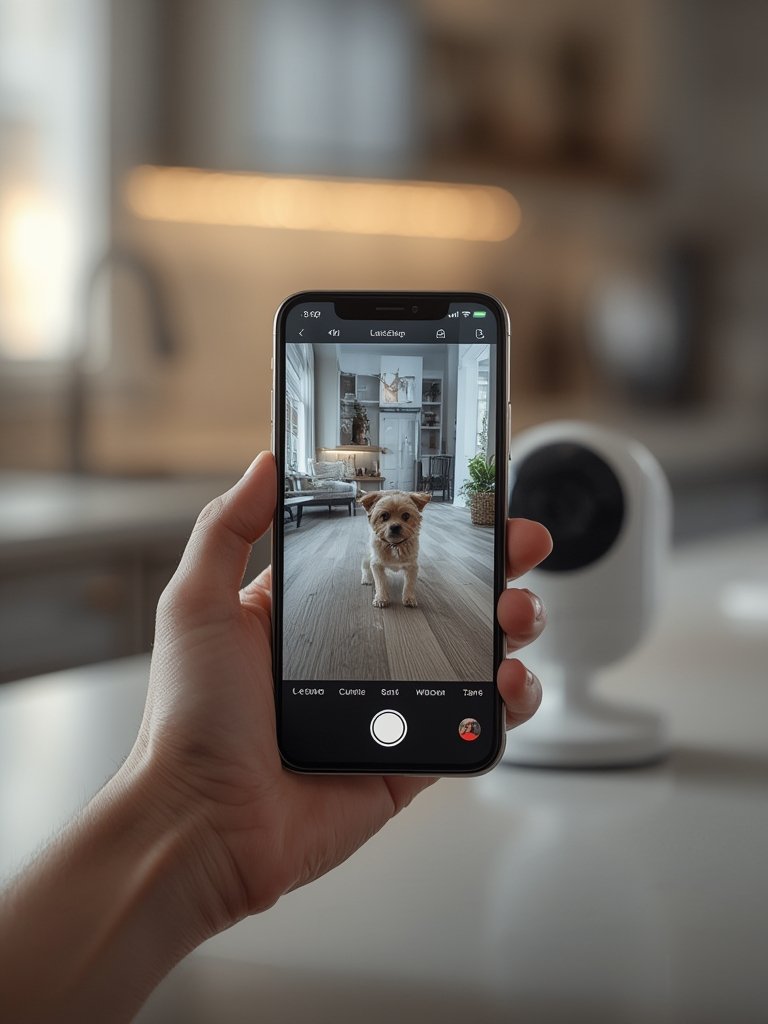
Owners often pair cameras with smart feeders for a true peace-of-mind loop. Our pet automatic feeder guide covers how to ensure feeding time isn’t missed, while smart bird feeders bring live wildlife monitoring to your backyard as well.
Advanced Analysis & Common Pitfalls
Pet monitoring cameras have revolutionized remote pet care, but real-world experiences highlight common issues and areas for improvement. Being proactive can save you hours of troubleshooting and disappointment.
| Feature | Common Issues | What to Do |
|---|---|---|
| Wi-Fi/App Connection | Lost signal, delayed notifications, or inability to reconnect remotely | Upgrade router, try a different frequency band, reboot camera, and never rely solely on in-app alerts for urgent issues. |
| Treat Dispensers | Mechanical jams, treats stuck or launched across the room, loud noises startling pets | Choose dry, round treats sized for the dispenser and run several test rounds with your pet present. |
| Camera Quality | Grainy images, laggy video, poor night vision, slow pan/tilt/zoom | Select models with >1080p resolution and test with your actual home lighting before keeping the device. |
| AI Features | False alerts (e.g., curtains moving), missed events, pets not recognized | Adjust notification thresholds, keep firmware up to date, and register all pets’ profiles in the app. |
| Privacy & Security | Default passwords, unclear data retention, accidental sharing of video feeds | Set unique passwords, review sharing permissions, and regularly clear stored clips if cloud service is used. |
Some treat-dispensing pet cameras provide only 2–5 days of reliable use before jamming or misfires occur, as documented by owners on platforms like Reddit. Delay in camera notifications can also frustrate anxious owners, especially if battery life or Wi-Fi isn’t optimal.
Market data backs this up: Smart, high-quality video models with robust connectivity and support are preferred, but treat mechanisms remain a pain point for many (market analysis).
Conclusion
With proper planning, a pet monitoring camera can deliver daily reassurance, better pet care, and even new fun interactions—if you select the right model and prepare for connectivity quirks. Whether you’re enhancing your pet parenting setup with cameras, automatic feeders, or interactive pet toys, always start by considering your unique needs. A modern pet monitoring camera helps you stay connected and responsive, giving both you and your pet more freedom. Explore your best options and upgrade your peace of mind today.
FAQ
Do pet monitoring cameras work without Wi-Fi?
Most pet monitoring cameras require Wi-Fi for full functionality, especially for remote viewing and alerts. Some offline or Bluetooth models exist, but they have reduced features.
What treats work best in dispensers?
Use small, dry, round treats that don’t crumble easily. Avoid moist or sticky treats as they can cause jams.
Are there privacy risks with pet cameras?
Yes. Default passwords, sharing options, and cloud storage can expose private footage. Always set strong passwords and review app settings for sharing permissions and retention policy.
Can I use a regular home security camera instead?
You can, but most lack two-way audio, treat dispensers, or pet-tailored alerts. Dedicated pet cams are generally better for interaction and engagement.
How do I prevent my pet from being scared by the camera?
Introduce the camera slowly while you’re home, use your own voice in alerts, and avoid sudden treat dispensing or loud audio for anxious pets.